Backlogs settings
In OpenProject, you can configure your Backlogs settings specific to each project. Navigate to Project settings -> Backlogs.
Types and statuses
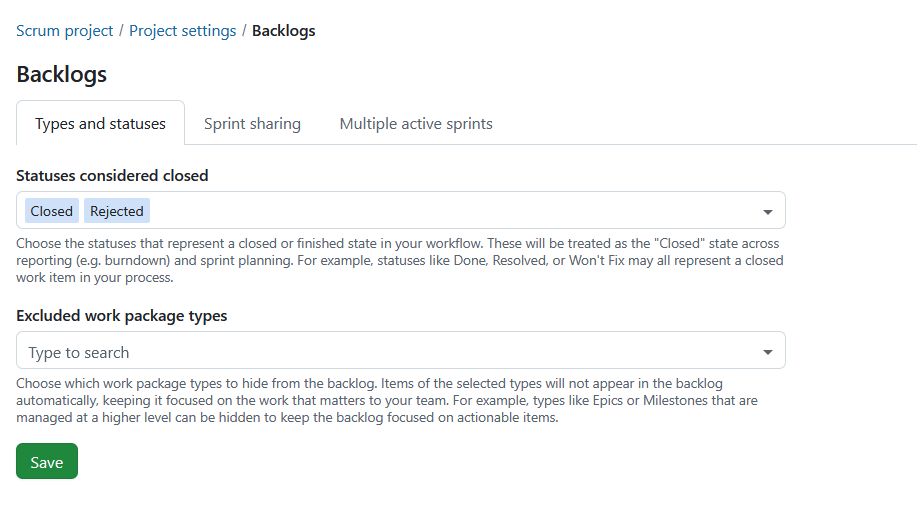
Under the tab Types and statuses you can configure which work package statuses are considered closed and which work package types are excluded from backlog views.
Statuses considered closed
You can choose the statuses that represent a closed or finished state in your workflow.
These statuses are treated as closed throughout sprint planning and reporting. They are used when calculating burndown charts and determine which work packages remain in a sprint when it is completed.
Examples include:
- Done
- Resolved
- Rejected
- Won’t Fix
Statuses using the global Closed meta status are always treated as closed and cannot be removed.
Excluded work package types
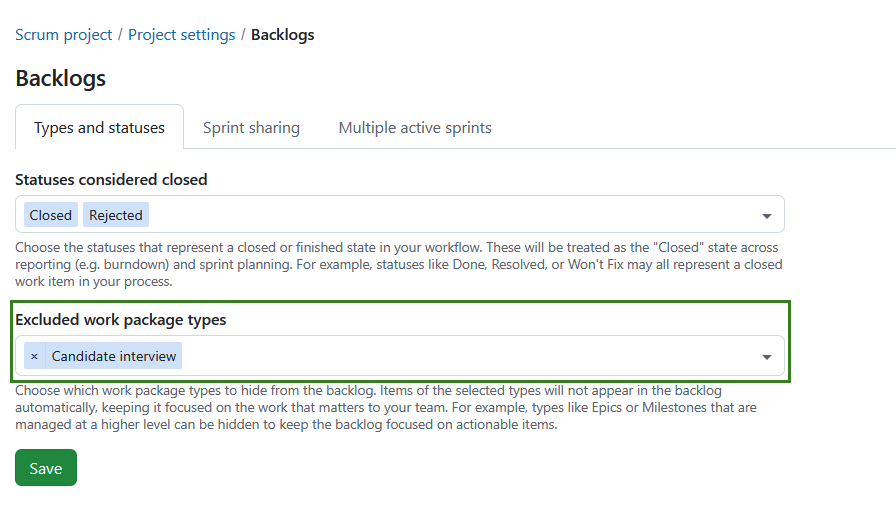
You can choose which work package types should be hidden from the Inbox backlog and backlog buckets.
Excluded work package types:
- do not appear in the Inbox backlog.
- do not appear in backlog buckets.
- continue to appear in sprints.
- continue to appear on sprint boards.
This can be useful for work package types that are managed at a higher level, such as Epics or Milestones.
Select one or more work package types from the list of active work package types available in the project.
Note
The selection is project-specific and is copied when a project is copied.
Press the Save button to apply your changes.
Sharing sprints

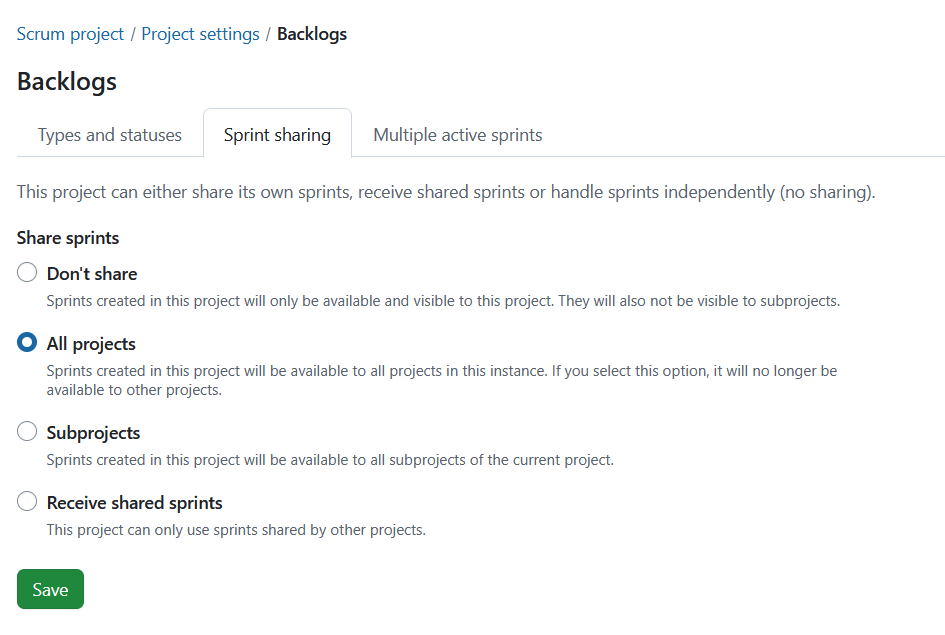
Sprint sharing is a project-level setting that allows you to choose whether sprints should be shared across projects.
Note
This is not a sprint-level setting as is currently the case with versions.
Sharing sprints allows teams working across multiple projects to plan and track work in a coordinated way. Instead of managing separate, disconnected sprints in each project, you can define a sprint once and reuse it across projects. This is especially useful for cross-team Scrum setups, scaled agile environments, or when multiple teams contribute to the same increment.
Depending on the selected option, a project can either provide sprints to others, use shared sprints, or remain independent:
Don’t share: This is the default setting for projects. Sprints can be created in this project and are available and visible only within this project. None of the created sprints are shared with any other project or sub-projects.
Share sprints: Sprints can be created in this project and shared with either all projects or subprojects:
-
All projects: Selecting this option means the sprints created are available to all projects within the instance. It also means that no other project can share sprints with all projects.
-
Subprojects: Sprints created in this project will be available to all subprojects of the current project.
Receive shared sprints: No sprints can be created within this project. Instead, only sprints shared by another project can be used.
Depending on your permissions, some shared sprint fields may be read-only. Project-specific fields, such as the sprint goal, can still be edited independently.
What is shared
When sprints are shared, the sprint itself is shared across projects. This includes:
- Sprint name
- Start and finish dates
- Sprint status (e.g. planning, active, completed)
This ensures that all participating projects work with the same sprint definition and timeline.
What is not shared
The following remain project-specific:
- Work packages remain in their respective projects
- Backlogs and their structure remain project-specific
- Sprint goals remain project-specific
- Permissions and visibility are still managed per project
Even when using shared sprints, each project keeps its own work items and configuration.
Read more on how to work with Backlogs in OpenProject.
Multiple active sprints
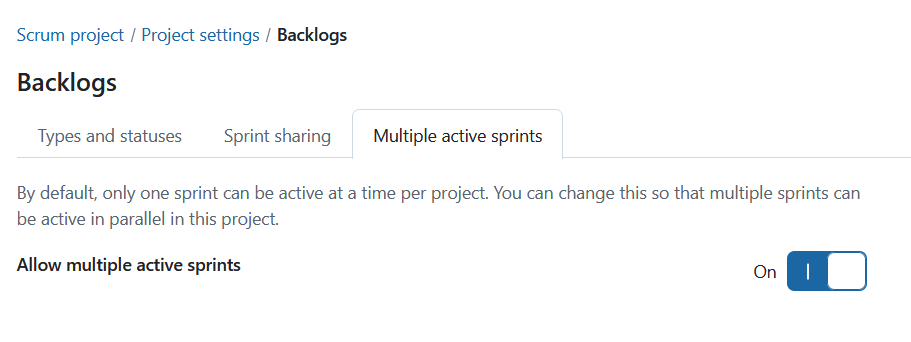
Multiple active sprints is a project-level setting that allows you to enable more than one active sprint within a project. To enable this setting, toggle the Allow multiple active sprints switch to On.
Note
Having multiple active sprints is only possible when the project is neither sharing nor receiving sprints. To activate this setting, Don’t share option in the sprint sharing tab must be selected.