System settings
System settings allow you to configure a number of options concerning your OpenProject installation, such as host name, languages, defaults for new work package and projects and file attachments.
To modify these settings, navigate to Administration → System settings.
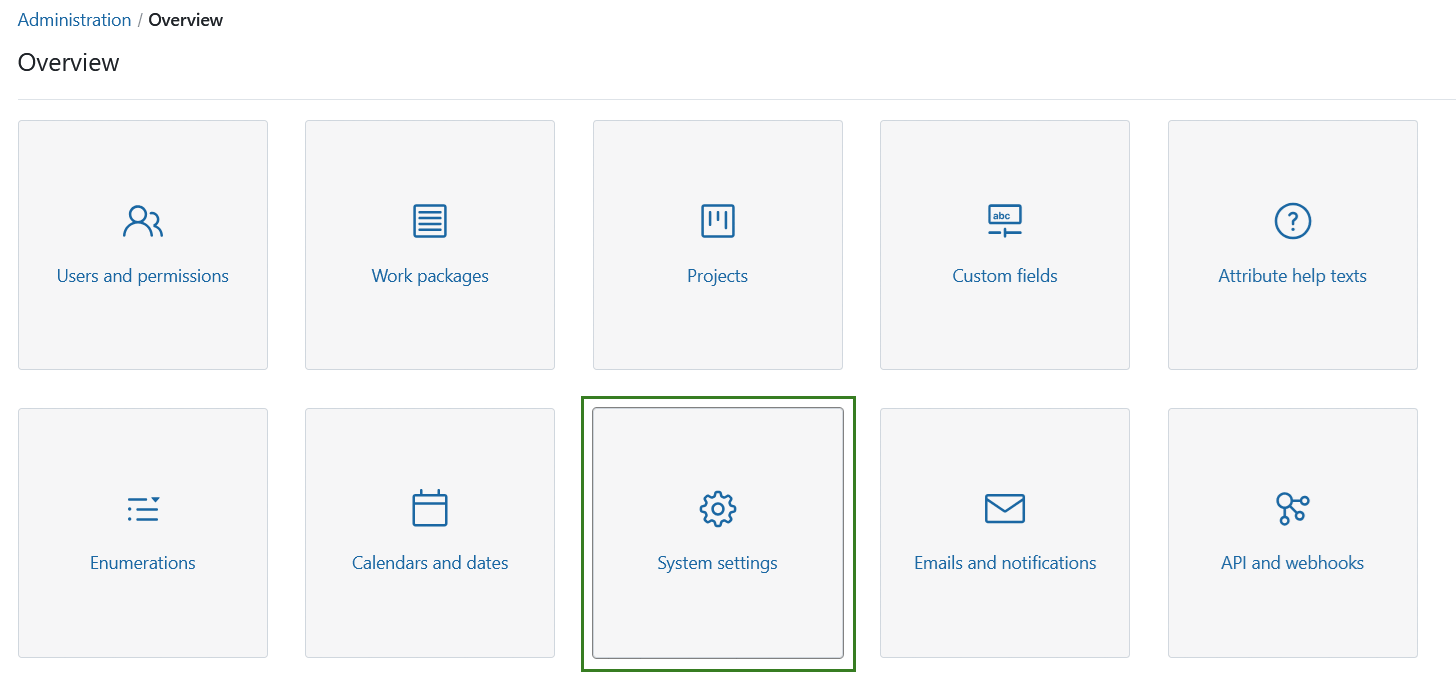
Overview
| Topic | Content |
|---|---|
| General settings | Manage general OpenProject settings, including the welcome page, attachment size limits, and other global options. |
| Languages | Select languages for your OpenProject installation. |
| Exports | Configure CSV export settings and data export options in OpenProject. |
| External link | Configure how OpenProject handles external links and login requirements before users can leave the application. |
| Project | Define the default settings for new OpenProject projects. |
| Repositories | Connect Git and SVN repositories to OpenProject for version control integration. |