Spaces
The Spaces module helps you browse and open the portfolios, programs, and projects you have access to in OpenProject. It provides a structured overview (including hierarchies, when configured) and lets you quickly jump into a specific space to continue working, for example by opening the space overview or its work packages.
What you can do
With the Spaces module, you can:
- Browse spaces you have access to.
- Filter the list by type.
- Search for a specific space by name.
- Mark spaces as favorites and quickly access them via the Favorites view.
- Open a space to view its details and navigate to its work packages or sub-spaces.
Common workflows
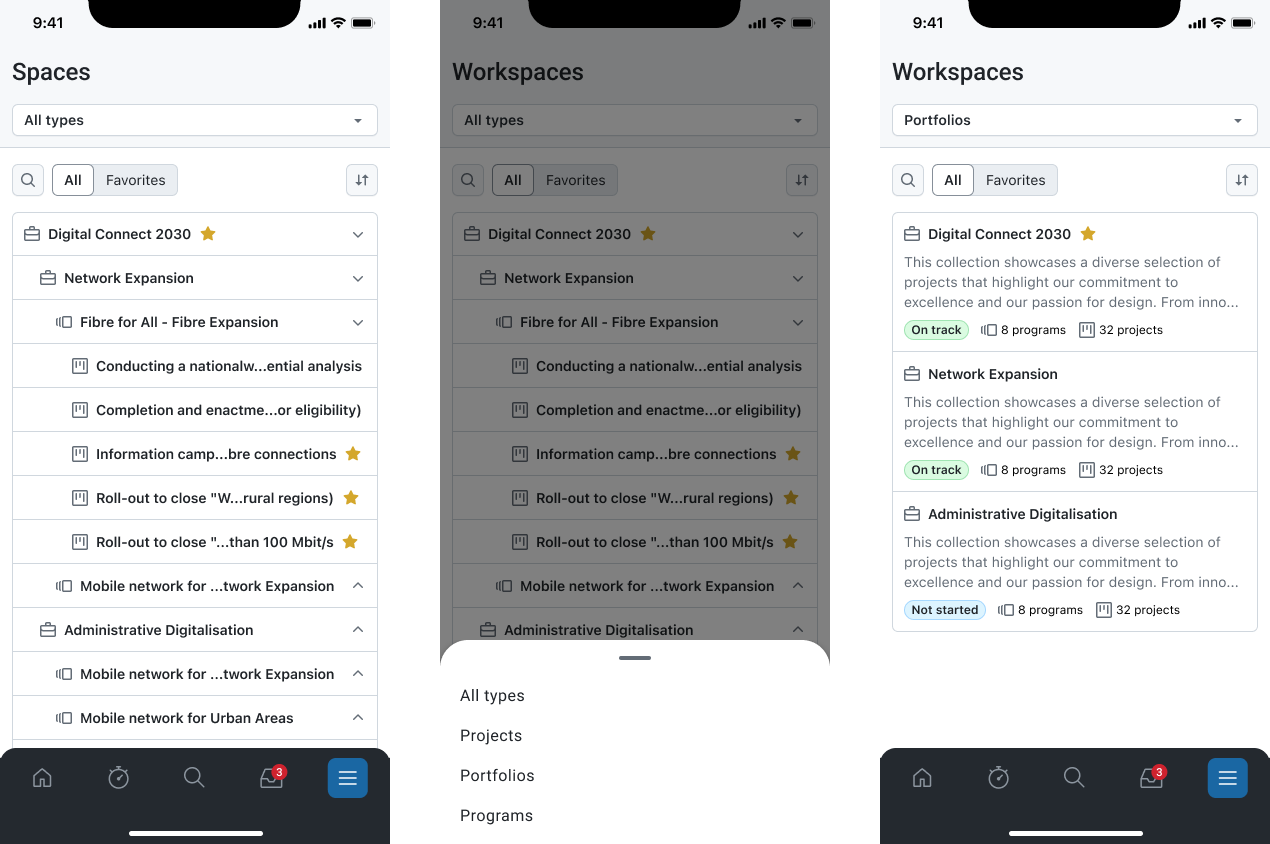
Browse all spaces and filter by type
- Open Spaces.
- Use the type selector in the header (e.g., All types) to narrow the list.
- Use search to find a specific space/project by name.
- Scroll the list and tap an entry to open it.
Switch between All and Favorites
- Open Spaces.
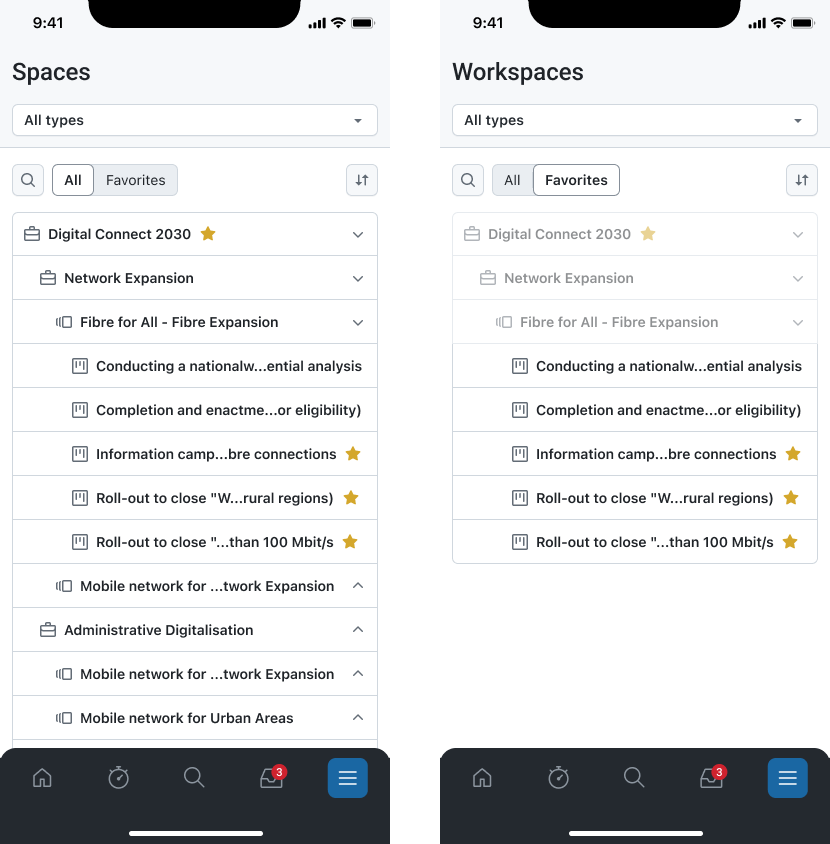
- Use the toggle below the header to switch between:
- All (everything you can access), and
- Favorites (spaces you’ve starred).
This is useful if you mainly work in a small set of spaces and want faster access.
Open a space and review details or navigate to work
When you open a space/project, you can typically:
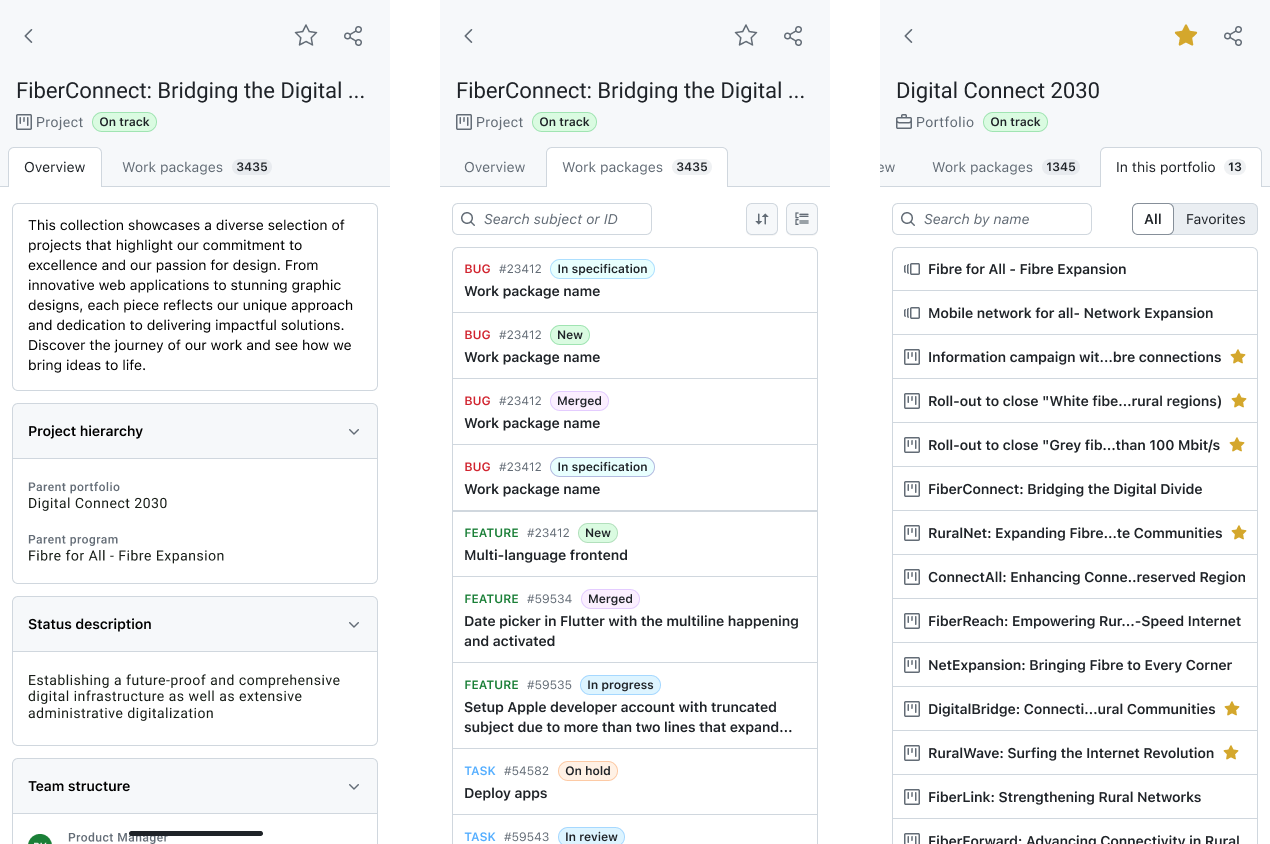
- Review the Overview, which summarizes project attributes and the description.
- Navigate to Work packages within that space/project to see and work on items.